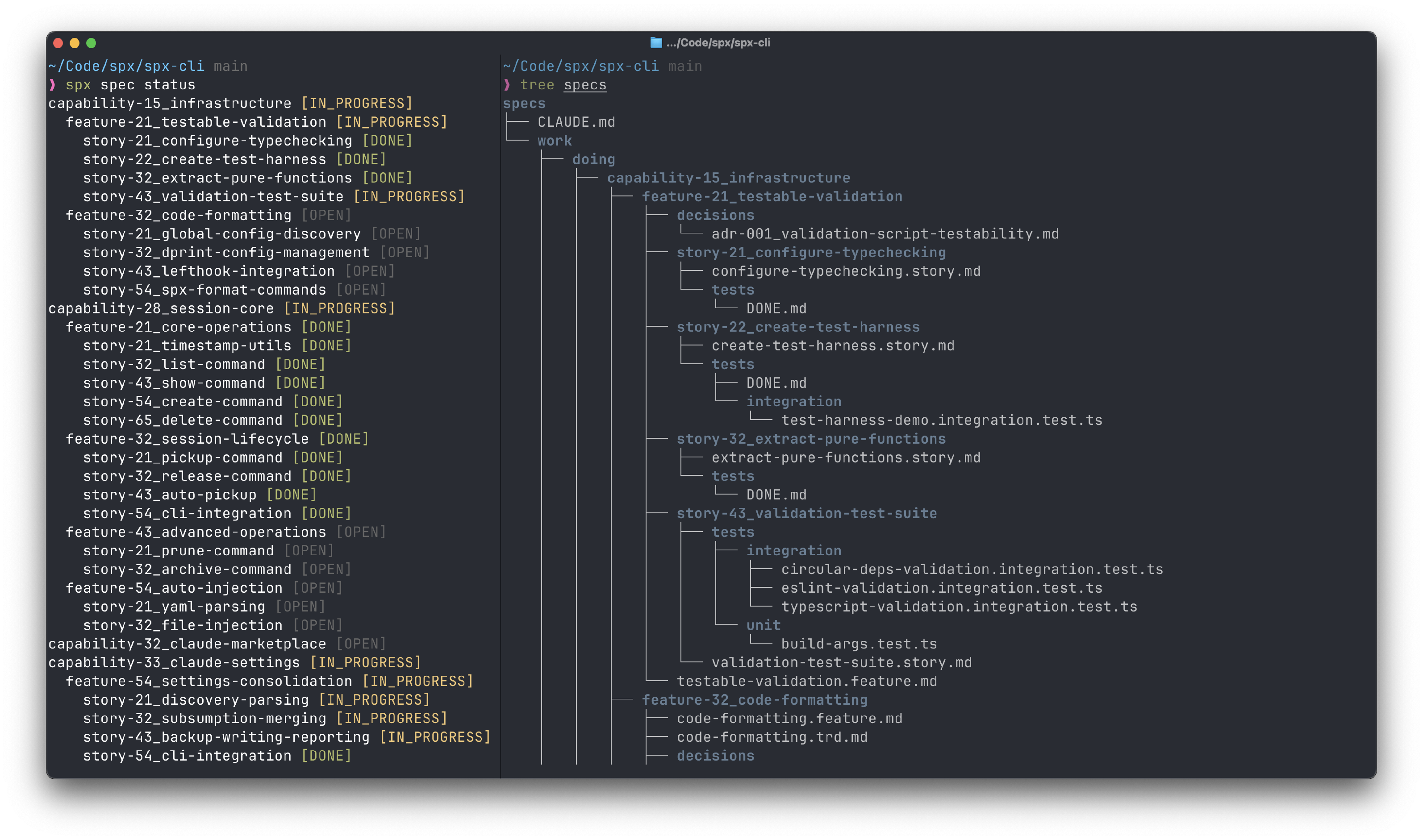
SPX is a framework that accelerates Spec-Driven Development (SDD) by combining a blazingly fast command-line interface (CLI) with Claude Code plugins to streamline AI engineering.
Spec-Driven Development (SDD) is based on the premise that human-language specification, and not programming code, is the most valuable asset of a software engineering organization. When working with AI coding assistants, checking the status of work items typically requires expensive LLM calls that take 1-2 minutes and consume tokens. This creates friction in the development loop.
SPX provides:
- spx CLI: Instant status checks in under 100ms with zero token cost
- SPX-Claude Marketplace: Pre-built Claude Code plugins for testing, coding, and documentation workflows
Fast CLI Tooling
The spx command-line tool scans your specs/ directory and provides instant, deterministic status analysis of capabilities, features, and stories.
Claude Code Plugins
The SPX-Claude marketplace provides skills and commands for TypeScript, Python, testing, specifications, and productivity workflows.
Get Started
Install the CLI and marketplace to begin using Spec-Driven Development: